TextSniper: easy, quick way to extract plaintext (macOS)

Debbie Ridpath OhiNov 2, 2026
One app I use pretty much every day is TextSniper, which makes it easy to capture text that is often non-selectable, including from YouTube videos, PDFs, images, etc.

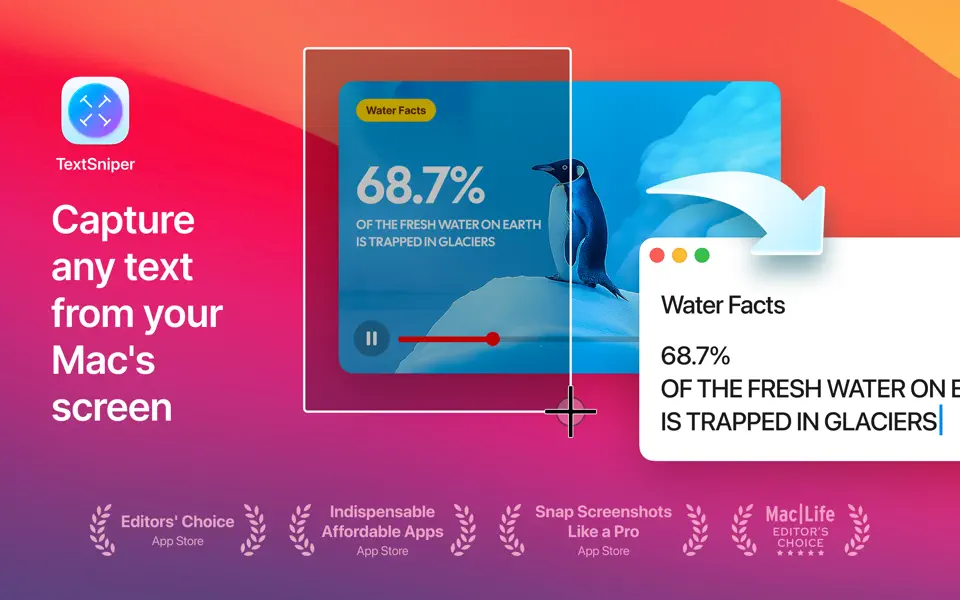
I mainly use it for quickly capturing text that I want to paste elsewhere (an email to share, for example) without the fancy formatting. I know that Option+Shift+Command+V is supposed to do this in macOS, but I find it doesn't always work. Personally, I've always disliked reading emails that are full of multiple fontfaces and formatting, so I try to avoid this when emailing others.
Thanks to my husband for telling me about TextSniper! CAN $9.99 on the Mac app store.
Find more info at https://textsniper.app/
Find out more about Debbie at DebbieOhi.com, or browse her social blogs.


Write a note…Log in